Create a hosted social account connect link and let bundle.social handle OAuth UI and channel selection.
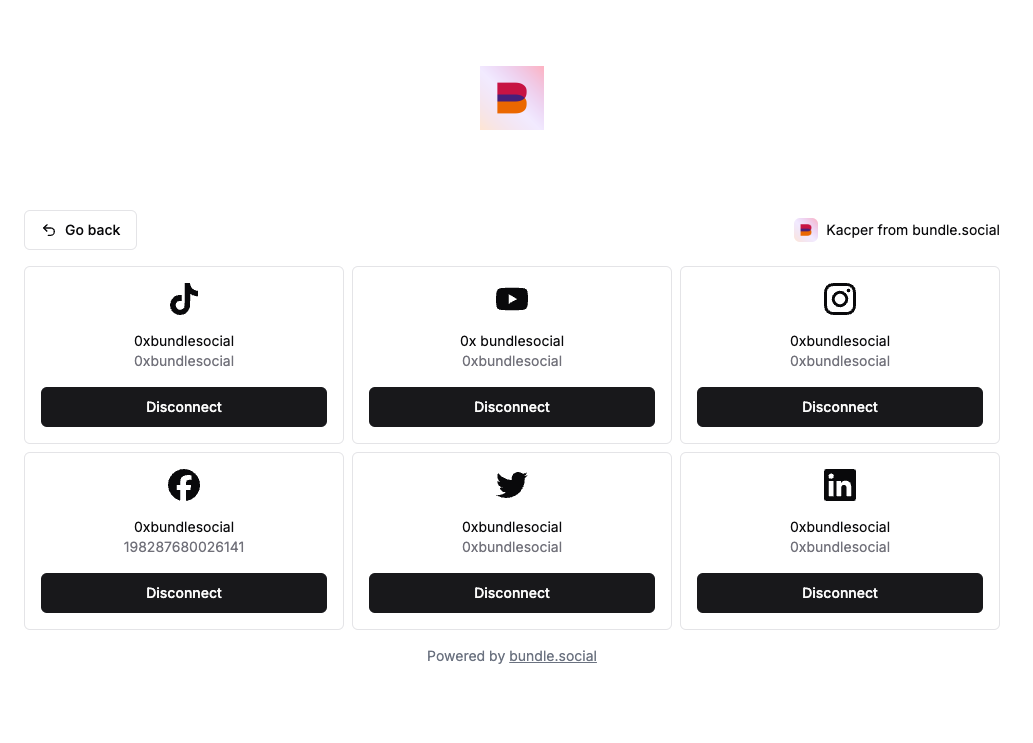
The hosted flow is the easiest way to connect accounts. You create a portal link, send the user there, and bundle.social handles the connect UI, provider OAuth, account picker, channel picker, language, and return flow.Endpoint:POST /api/v1/social-account/create-portal-linkTest it in Swagger or the API Reference Client.
Team that should receive the connected social account.
socialAccountTypes
Yes
Platforms available in the hosted flow. Uses values like FACEBOOK, INSTAGRAM, LINKEDIN, YOUTUBE.
redirectUrl is optional in the API contract, but you should provide it for normal app flows. It is the URL users return to after they click the back button.
HTTP/HTTPS URL to return to after the hosted flow. Recommended for most integrations.
serverUrl
No
Mastodon or Bluesky server URL. Mastodon requires a server when it is offered in the portal.
disableAutoLogin
No
Facebook, Instagram via Facebook, Instagram direct OAuth, and TikTok paths use this to avoid silently reusing the last logged-in platform session where supported. Defaults to false.
tiktokForceLogin
No
Experimental TikTok-only option. Routes TikTok through logout to request a fresh login session. Defaults to false.
forceBrowserOAuth
No
Instagram direct OAuth only. On phones, tries browser OAuth instead of the Instagram app flow. Defaults to false.
instagramConnectionMethod
No
Instagram only. Use FACEBOOK or INSTAGRAM to preselect the hosted portal connection method.
withBusinessScope
No
Facebook, Instagram via Facebook, and YouTube. When provided, the hosted page skips the business vs standard scope chooser and uses your value. For YouTube it adds the monetary analytics scope that enables revenue/monetization data.
expiresIn
No
Link lifetime in minutes. Min 5, max 2880 (48 hours). Defaults to 10.
For Facebook and Instagram via Facebook, tell users to select all Pages and Instagram accounts they manage in Meta OAuth. Then select the one Page or Instagram account for this team inside bundle.social.
Create a portal link with POST /api/v1/social-account/create-portal-link.
Redirect the user to the returned url.
The user connects one or more accounts.
If a platform needs a channel, the hosted UI handles the picker.
The user returns to your app through redirectUrl or the back button.
For return query parameters, see Callback Parameters.Snapchat uses the Public Profile returned during OAuth and does not show a separate channel picker.