In this tutorial you will learn how organizations work in bundle.social and what you manage at the organization level.
What is an organization?
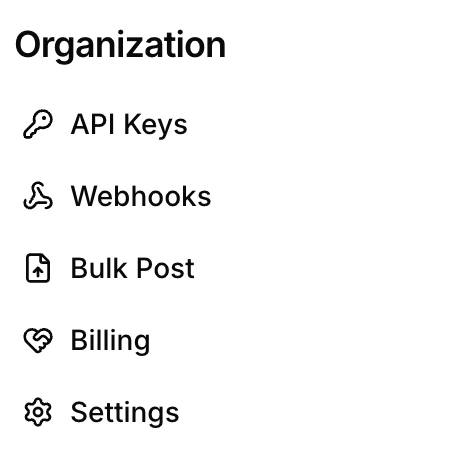
An organization is the top-level account in bundle.social. Each organization can contain many teams, and a few things are shared across all of them: API keys, webhooks, and billing are managed at the organization level rather than per team.
You’ll find all of these in the Organization section of the sidebar.
Create an API key
If you want to automate your bundle.social workflow, you can use our API or SDK - learn more here.
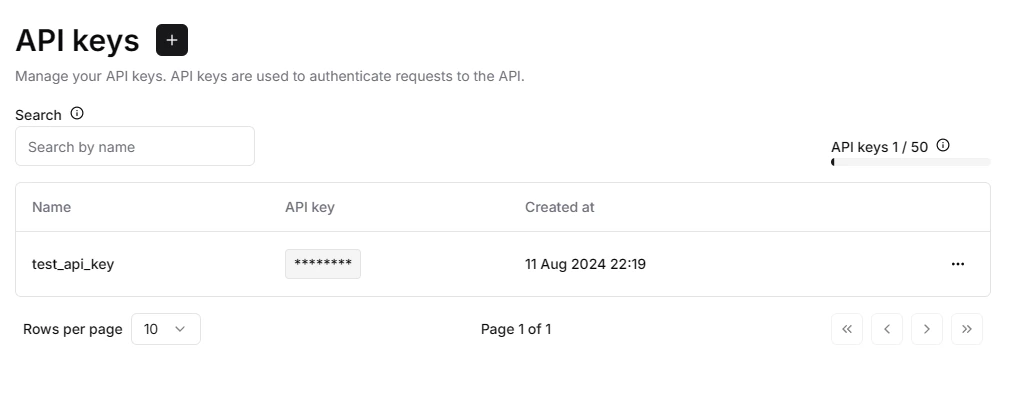
In the sidebar, click API Keys. This is where you create and manage API access.
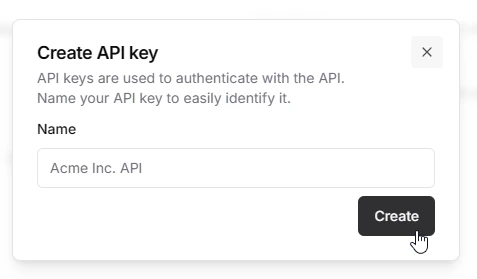
Click +, enter a name for the key, and click Create.
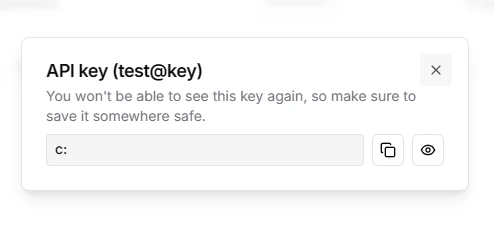
You can only see an API key once, so copy it and store it somewhere safe.
Add a webhook
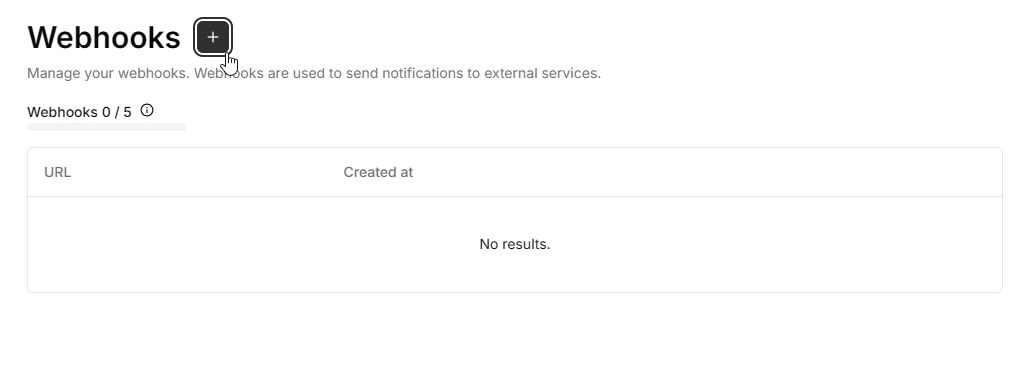
In the sidebar, click Webhooks.
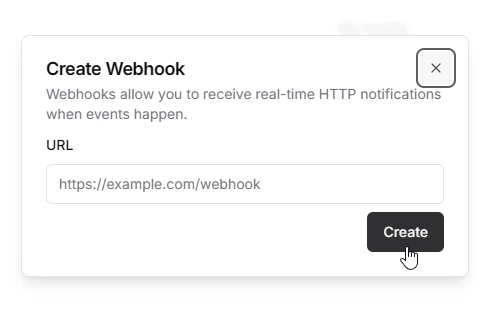
Click the + icon. In the popup, enter the URL you want to receive webhook events on.
Manage billing
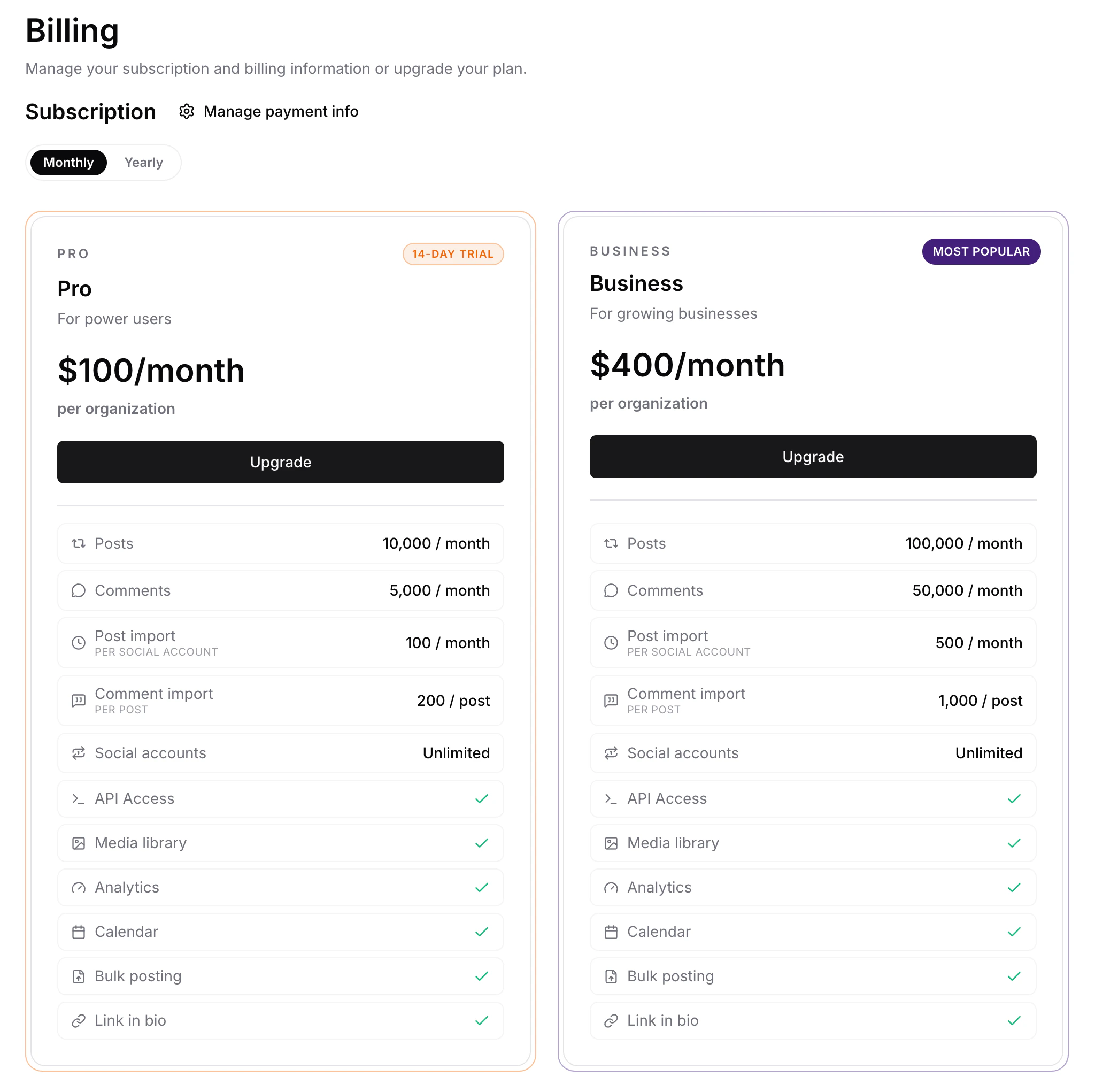
To change your plan, click Billing. Plans can be billed monthly or yearly using the picker at the top.
The Invoices tab lists issued invoices and lets organization owners download the available invoice document directly from bundle.social.
If a subscription is paused or scheduled to end, Billing also shows the available resume action before you attempt another plan change.
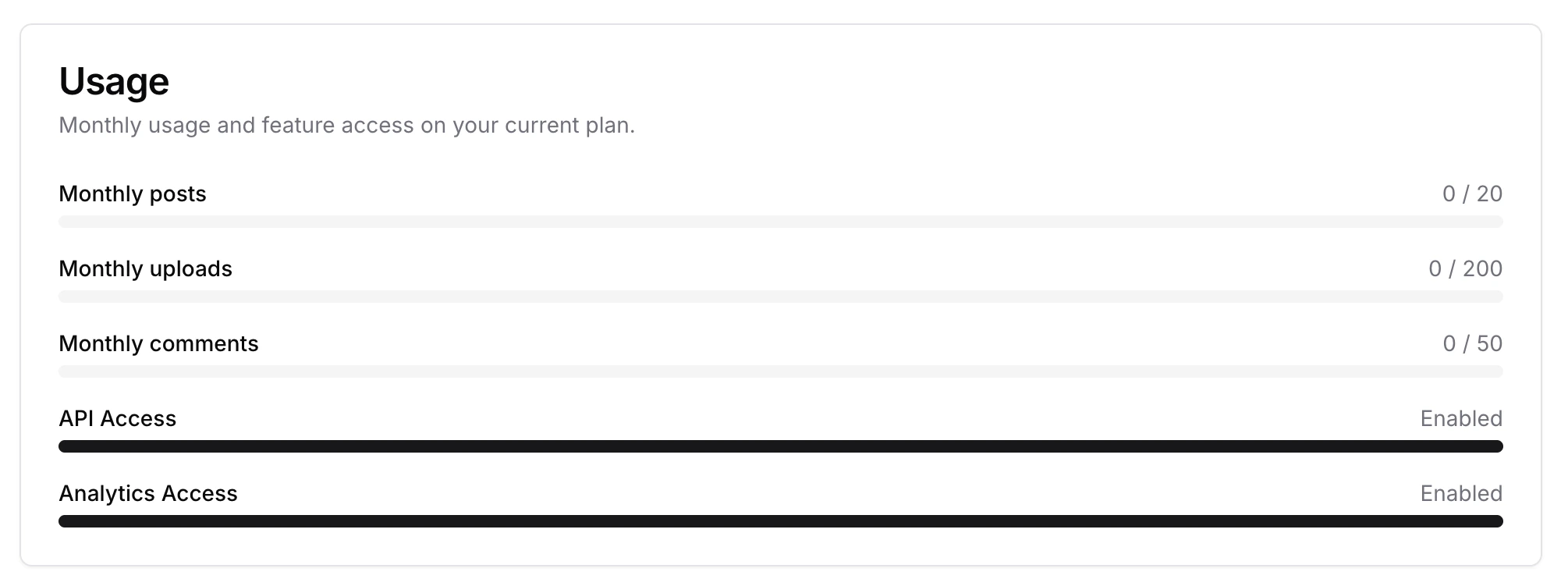
The Usage view shows your post count, API usage, and analytics status for the current period.
Organization settings
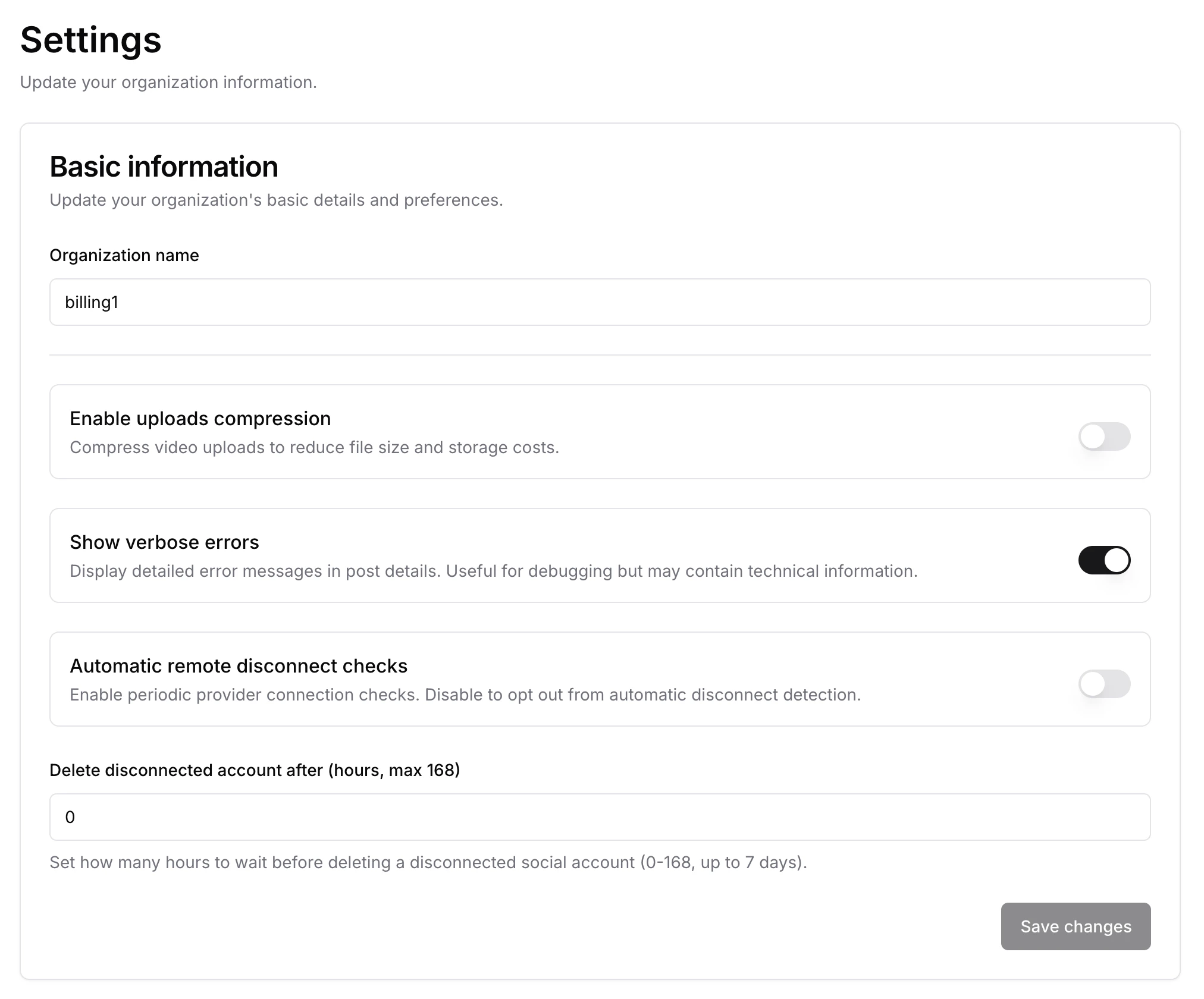
Click Settings to update your organization’s basic information and preferences:
- Organization name - the display name for your organization.
- Enable uploads compression - compress video uploads to reduce file size and storage costs.
- Show verbose errors - display detailed error messages in post details. Useful for debugging, but may contain technical information.
- Automatic remote disconnect checks - run periodic disconnect checks for Facebook, Instagram, and Threads. Disable to opt out of automatic detection.
- Delete disconnected account after - how many hours to wait before deleting a disconnected social account (0-168, up to 7 days).
Click Save changes to apply.
Summary
You now know what lives at the organization level - API keys, webhooks, billing, and settings - all shared across the teams inside your organization.
with lukewarm regards c: - bundle.social staff