Why bots?

Discord and Slack don’t allow API access to user accounts. To automate anything, they provide bots and an API to control them - so that’s what bundle.social uses. No tomfoolery on our side.

How to create a bot

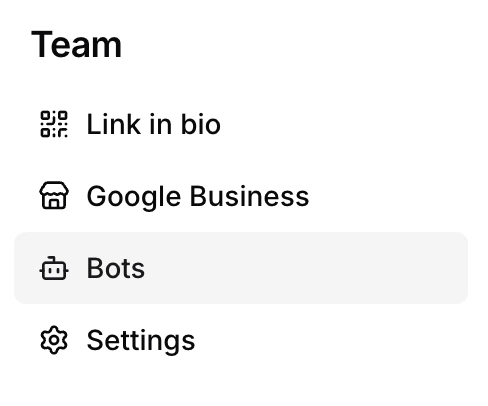
There are two ways to create a bot. You can do it while creating a post, or from the Bots page. Click Bots in the sidebar.
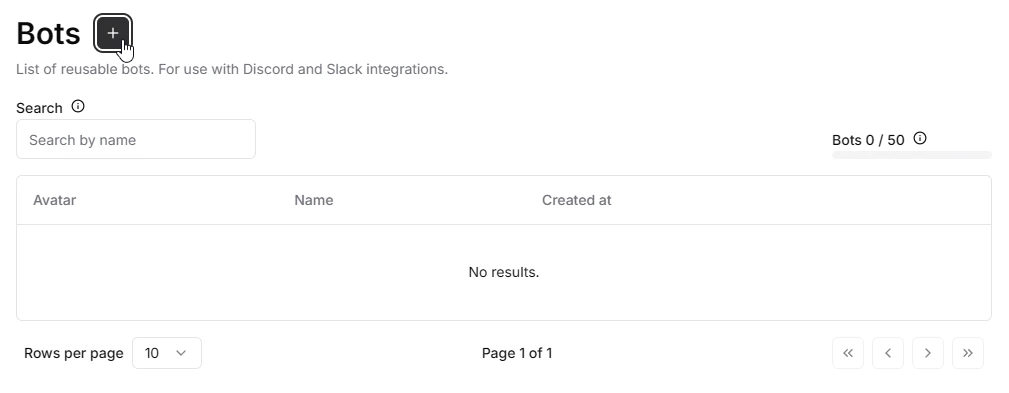
This is your Bots dashboard. It’s empty for now - click the + icon to open the bot creator.
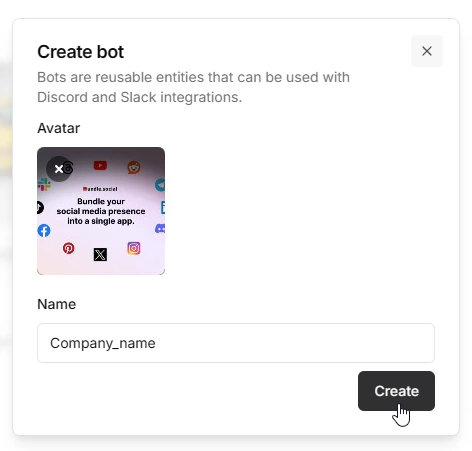
A popup appears. Upload a bot cover photo and give it a name. The name is shown as the sender in Discord/Slack, so choose carefully. Then click Create.
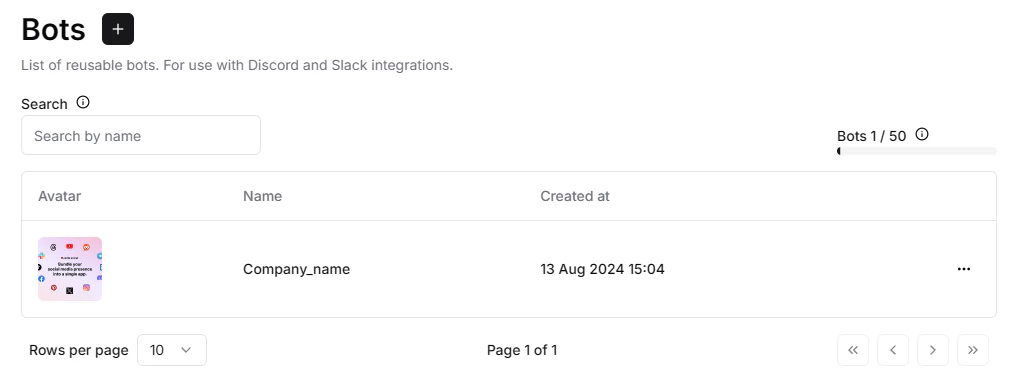
Done - your new bot now shows up in the bot list.
Later, when you create a post that goes to Discord or Slack, don’t forget to pick your bot from the dropdown.